New places. Seamless connection.
Find the right eSIM for your trip.
- Fast delivery
- Easy setup
- Refund terms
Popular countries




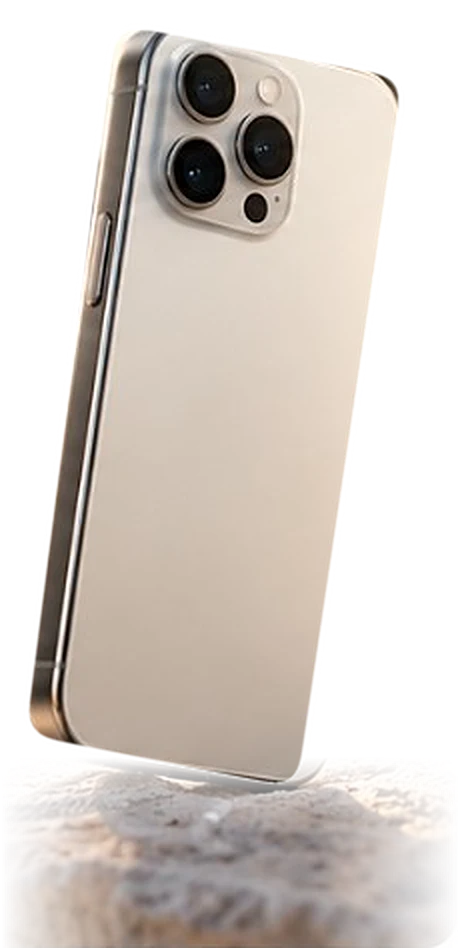
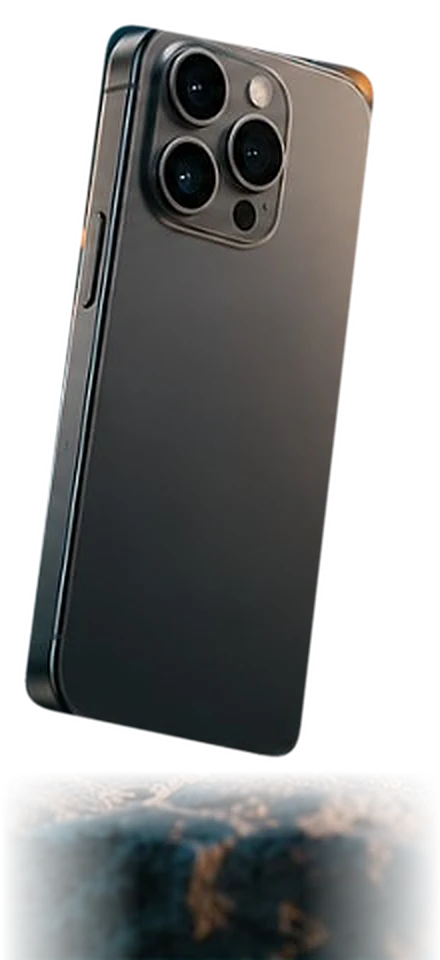
DEVICE COMPATIBILITY

 TRAVEL MORE FREELY
Is your phone eSIM compatible?Is your phone ready for eSIM?
Our journey is just beginning
We are just starting. You stay in control.
Until the first real reviews arrive, here is what you can check yourself before you buy.
Add Pasaport.io to your home screen
Opens like an app, with no store download.
- No app store needed
- Your eSIMs and QR code in your account
- Easily buy the same plan again

OUR ADVANTAGES
Why
Pasaport.io?
Designed to make travel internet easier, more flexible and better value.
Not just internet. Much more.
Compare your travel connection by its benefits.
| With usPasaport.io | |
|---|---|
| Buy the same plan again1 | Included |
| Keep using your WhatsApp | Included |
| 14-day refund guarantee2 | Included |
| Activate within 180 days3 | Included |
| 5G in supported countries4 | Included |
- Repurchase on supported plans.
- Valid for unused eSIM plans.
- From the purchase date. When the plan period starts is shown in the plan details.
- Depends on country, plan, device and network.
Terms and comparison notes
- Repurchase on supported plans.
- Valid for unused eSIM plans.
- From the purchase date. When the plan period starts is shown in the plan details.
- Depends on country, plan, device and network.
HELP CENTER
With you on your journey.

Hello!
How can I help?
Ask your question.
DIGITAL ASSISTANT
Let's solve it together.
From setup to connection, help is here.

 Digital assistant
Hello! Type your question and I'll find the best answer from our help content.
Answers come from the site's help content. What you type isn't saved; don't share personal details.
Didn't find your answer?


FREQUENTLY ASKED QUESTIONS
Nothing left unanswered.
Pick a topic or type your question above.
Device and compatibilityPhone, carrier lock and eSIM support
Does my phone support eSIM?
Find your brand and model in the device settings. Check eSIM support for your model and purchase region. Carrier lock status matters too.
Where can I find my phone model?
Open About or About phone in Settings. The model name and number are there. Menu names can differ by device.
Do I have to remove my SIM card?
Depending on your device, a physical SIM and eSIM can be used together. Choose the travel eSIM for mobile data and check roaming and charges on your main line.
Purchase and paymentChoosing a plan and payment options
Which plan should I choose?
Think about your destination, duration and estimated use. Before buying, check data amount, validity, coverage and start conditions.
Which payment methods can I use?
Apple Pay, Google Pay and debit or credit card. Available methods are shown in the payment step.
What is the difference between limited and unlimited plans?
Limited plans offer a set amount of data. Unlimited plans can have speed and fair use conditions. Check your plan's details.
Delivery and installationAccount, QR code and activation
Where do I get my QR code?
After purchase, the QR code and installation details appear in your account under My eSIMs.
When should I install the eSIM?
Install it while you have a working internet connection. Installation and plan start can differ; check the start conditions in the product details.
How do I use the QR code on the same phone?
If your device supports it, you can add the eSIM from a saved QR image. Or open the code on another screen or use the manual details.
Detailed installation guide →Where can I find the detailed steps?
QR code, manual installation and connection settings for iPhone and Android are in the detailed guide.
Detailed installation guide →Connection and useInternet, data settings and plan validity
The eSIM is installed but there is no internet.
Check that the right eSIM is chosen for mobile data and you are in coverage. Check data roaming and APN if needed. Get support before deleting the eSIM.
When does my plan start?
It depends on the plan. Some start on first connection to a supported network, others differently. The product details apply.
What if my data runs out?
Check top-up or renewal options. If there are none, you can choose a new plan. Check its installation and start conditions.
Can I delete and reinstall the eSIM?
Whether the QR code can be reused depends on the plan. Talk to support before deleting the eSIM.
Refunds and order supportRefund conditions and preparing for support
Can I get a refund for an unused plan?
If the plan has not been activated, you can request a refund within 14 days of purchase.
What should I have ready for support?
Your order number, device brand and model, your country and the problem. Do not share your QR code, password or card details.
I entered the wrong email address.
Contact support with your order details and ask for it to be checked after secure verification.
FAQ
Most asked questions.
Install it while you have an internet connection. Check your plan's start conditions in the product details.
More questions
3Device and compatibilityPhone, carrier lock and eSIM support
Does my phone support eSIM?
Find your brand and model in the device settings. Check eSIM support for your model and purchase region. Carrier lock status matters too.
Where can I find my phone model?
Open About or About phone in Settings. The model name and number are there. Menu names can differ by device.
Do I have to remove my SIM card?
Depending on your device, a physical SIM and eSIM can be used together. Choose the travel eSIM for mobile data and check roaming and charges on your main line.
3Purchase and paymentChoosing a plan and payment options
Which plan should I choose?
Think about your destination, duration and estimated use. Before buying, check data amount, validity, coverage and start conditions.
Which payment methods can I use?
Apple Pay, Google Pay and debit or credit card. Available methods are shown in the payment step.
What is the difference between limited and unlimited plans?
Limited plans offer a set amount of data. Unlimited plans can have speed and fair use conditions. Check your plan's details.
4Delivery and installationAccount, QR code and activation
Where do I get my QR code?
After purchase, the QR code and installation details appear in your account under My eSIMs.
When should I install the eSIM?
Install it while you have a working internet connection. Installation and plan start can differ; check the start conditions in the product details.
How do I use the QR code on the same phone?
If your device supports it, you can add the eSIM from a saved QR image. Or open the code on another screen or use the manual details.
Detailed installation guide →Where can I find the detailed steps?
QR code, manual installation and connection settings for iPhone and Android are in the detailed guide.
Detailed installation guide →4Connection and useInternet, data settings and plan validity
The eSIM is installed but there is no internet.
Check that the right eSIM is chosen for mobile data and you are in coverage. Check data roaming and APN if needed. Get support before deleting the eSIM.
When does my plan start?
It depends on the plan. Some start on first connection to a supported network, others differently. The product details apply.
What if my data runs out?
Check top-up or renewal options. If there are none, you can choose a new plan. Check its installation and start conditions.
Can I delete and reinstall the eSIM?
Whether the QR code can be reused depends on the plan. Talk to support before deleting the eSIM.
3Refunds and order supportRefund conditions and preparing for support
Can I get a refund for an unused plan?
If the plan has not been activated, you can request a refund within 14 days of purchase.
What should I have ready for support?
Your order number, device brand and model, your country and the problem. Do not share your QR code, password or card details.
I entered the wrong email address.
Contact support with your order details and ask for it to be checked after secure verification.